
The Glossary activity allows participants to create and maintain a list of definitions, like a dictionary.
How to add a Glossary item
1. Click the Glossary icon to access the activity
2. Click Add entry to add a glossary item.
3. Enter the required and relevant information
Concept - is the word or phrase you are defining
Definition - this is where you can explain the concept.
Keyword(s) - each glossary entry associated list of key words.
Attachment - you can optionally attach files to a glossary entry.
Auto-linking - If the entry is auto-linked, then any keywords will also be auto-linked.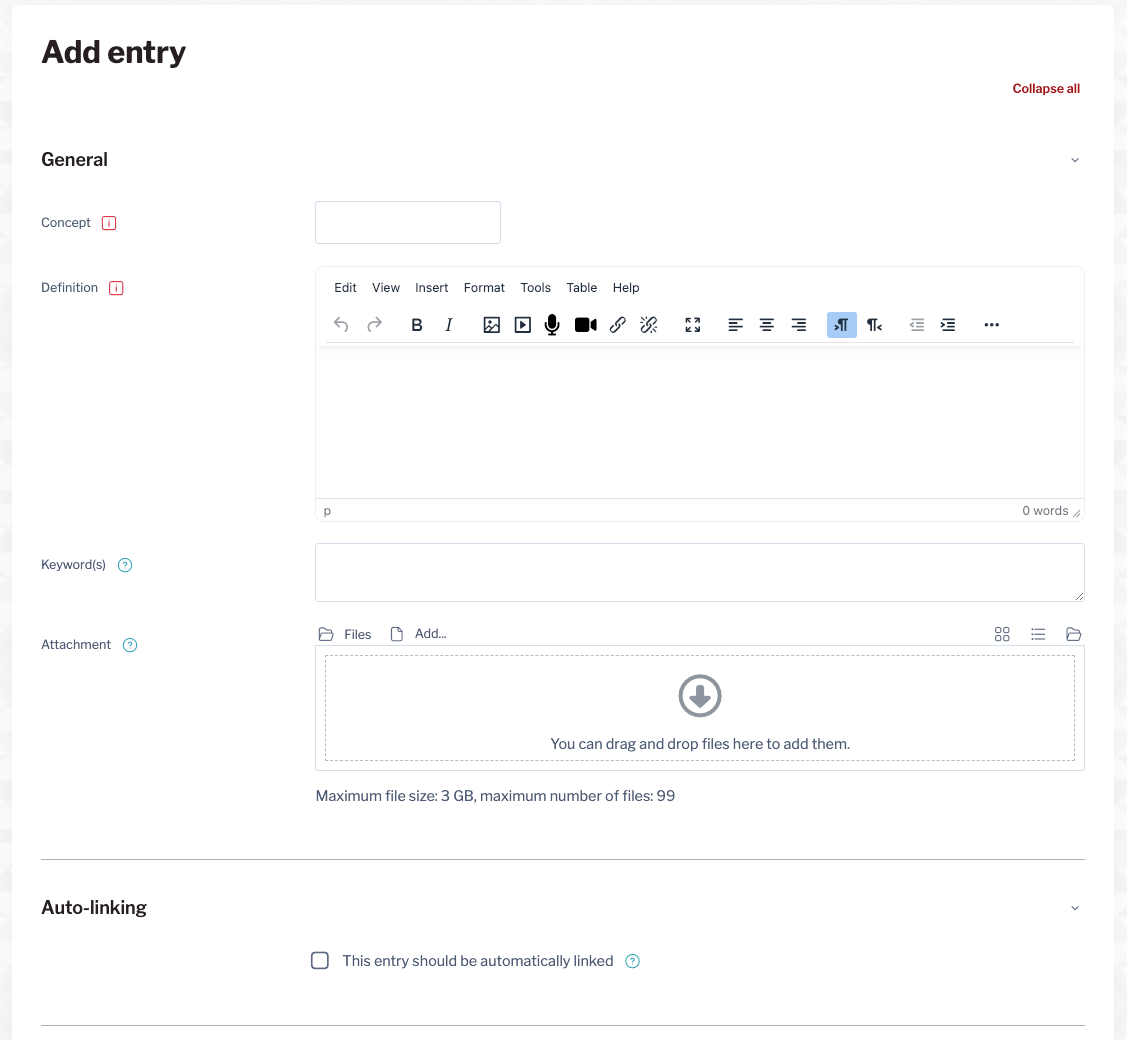
4. Click Save changes to create the entry.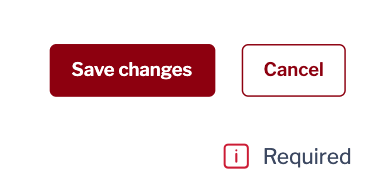
How to search for Glossary entries
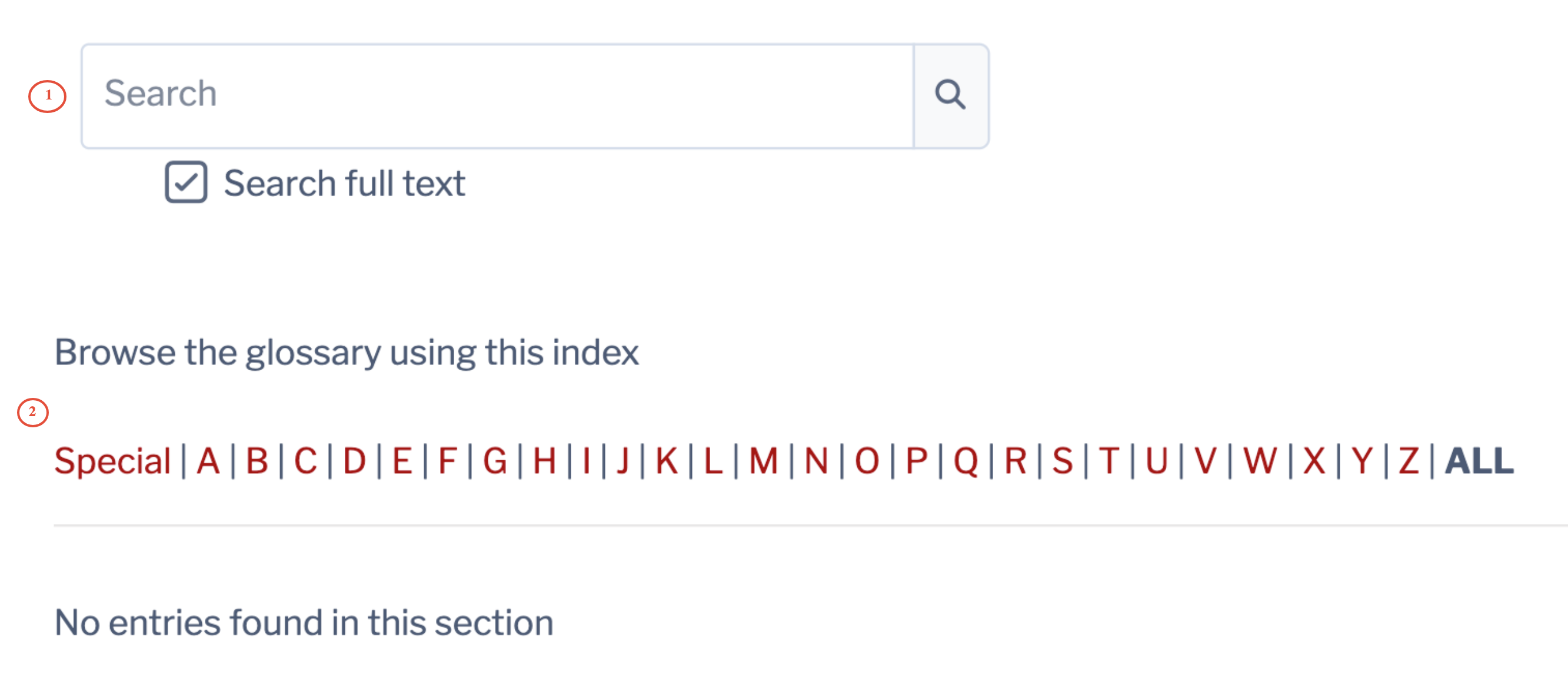
1. Enter a key word in the Search field.
2. Select a section from the glossary (alphabetical) index.