
The Database activity allows the teacher and/or students to build, display and search a bank of structured record entries for a particular topic. The format and structure of these entries can include images, files, URLs, numbers and text amongst other things
1. Access the activity and click Add entry to start building the database.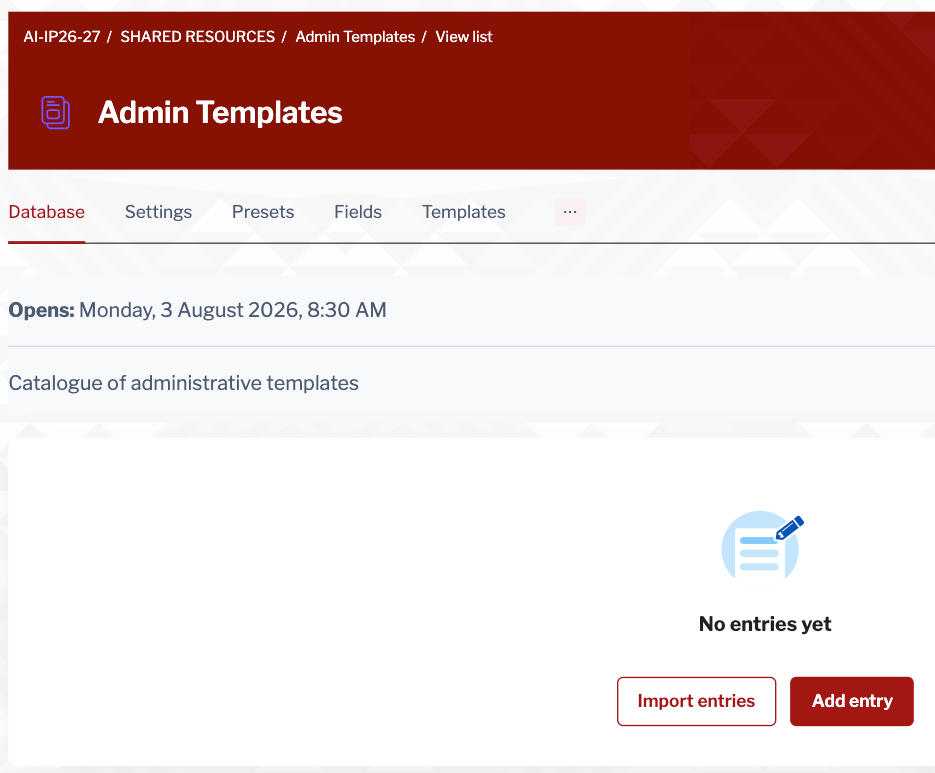
2. Enter the relevant information in the available. 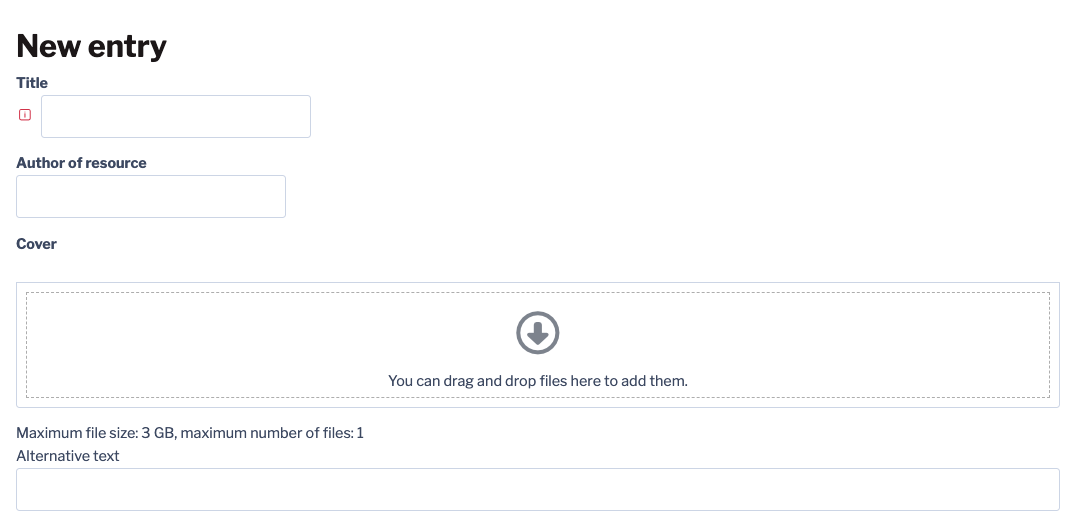
Depending on the fields available you either enter text, upload files, images or add url's. Red boxed exclmmation mark is indicative of a required field.
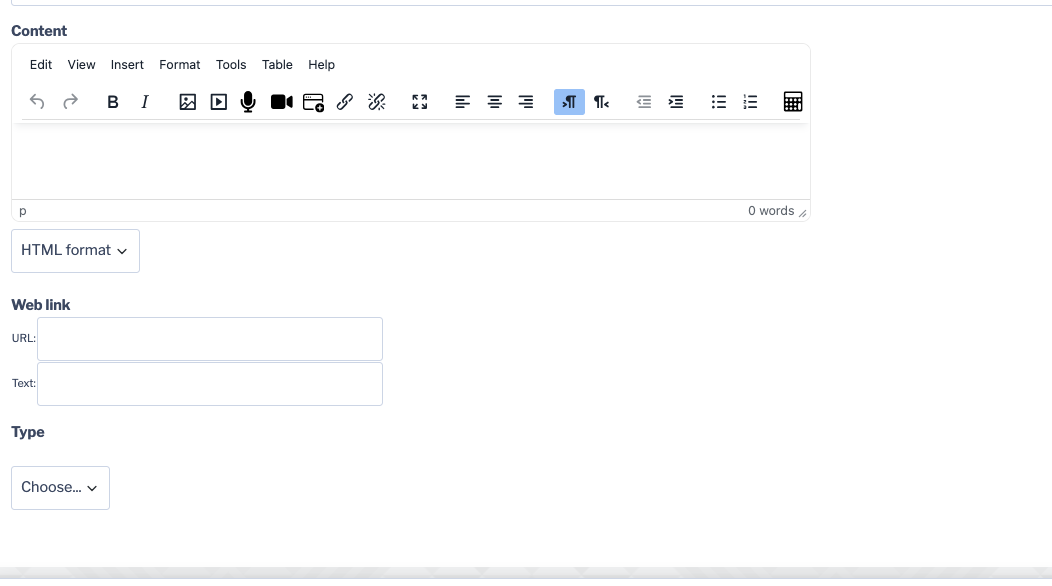
3. Once all required and relevant information has been entered, click Save OR Save and add another.