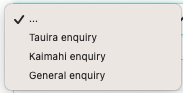
For fast assistance or help please log a ticket and an agent will help you.
Click on the link to get to the front page of the eWānanga Helpdesk.
https://helpdesk.ewananga.ac.nz/support/home
1. Click the link at the top of the page that says "New Support Ticket"

2. Select issue type
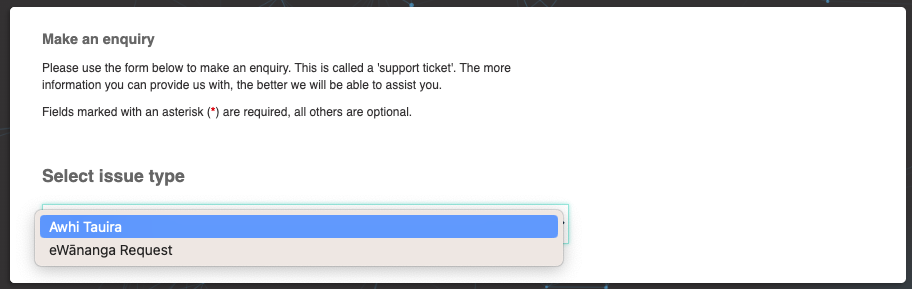
3. Enter the required information to enable a timely resolution to your query.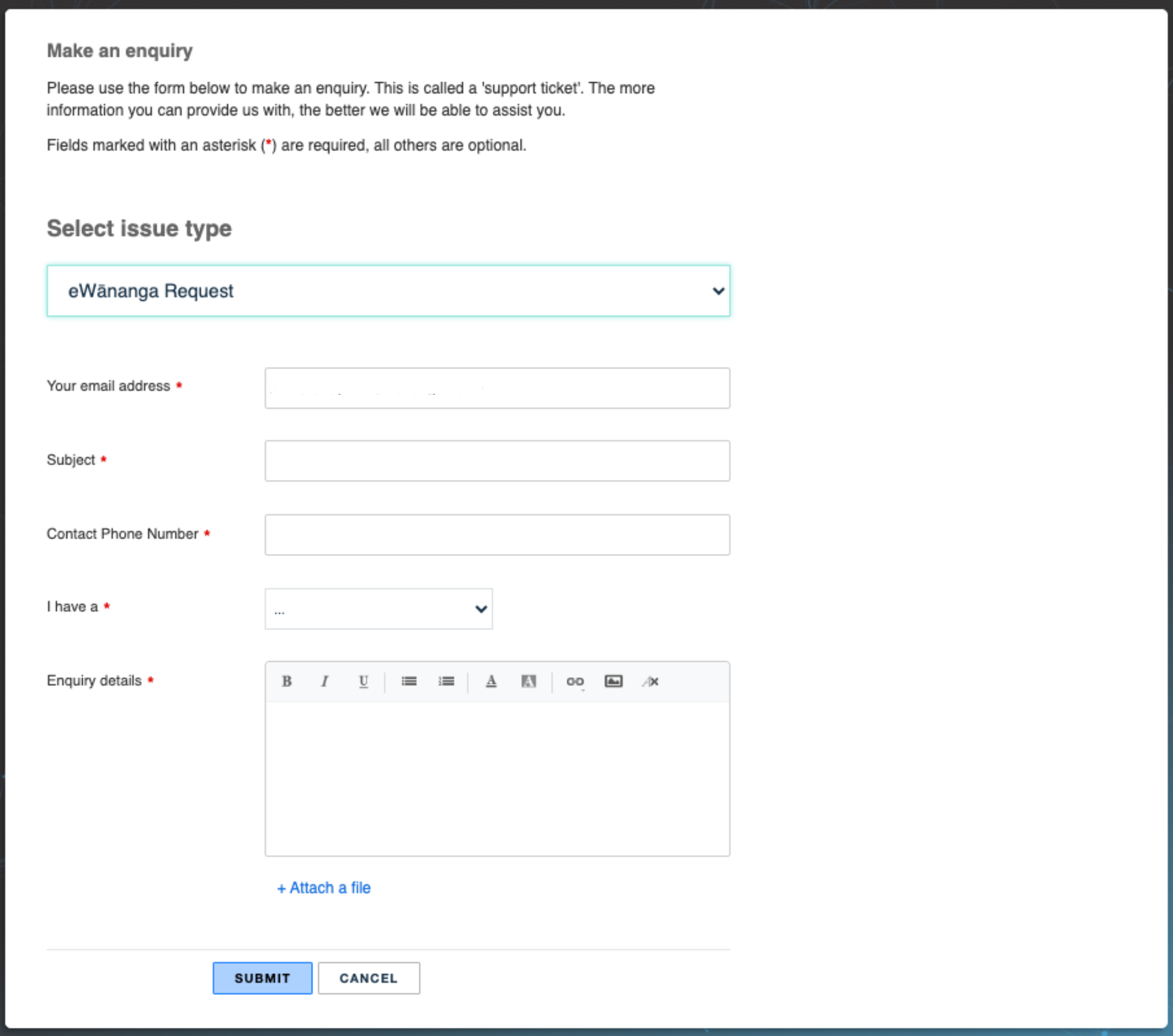
4. Ensure you have selected the appropriate team for your query before you click Submit, this will ensure your query is allocated appropriately.